Pulsar Installation - Troubleshooting
If user is not able to see correct details after login to Pulsar application, please follow the troubleshooting steps below.
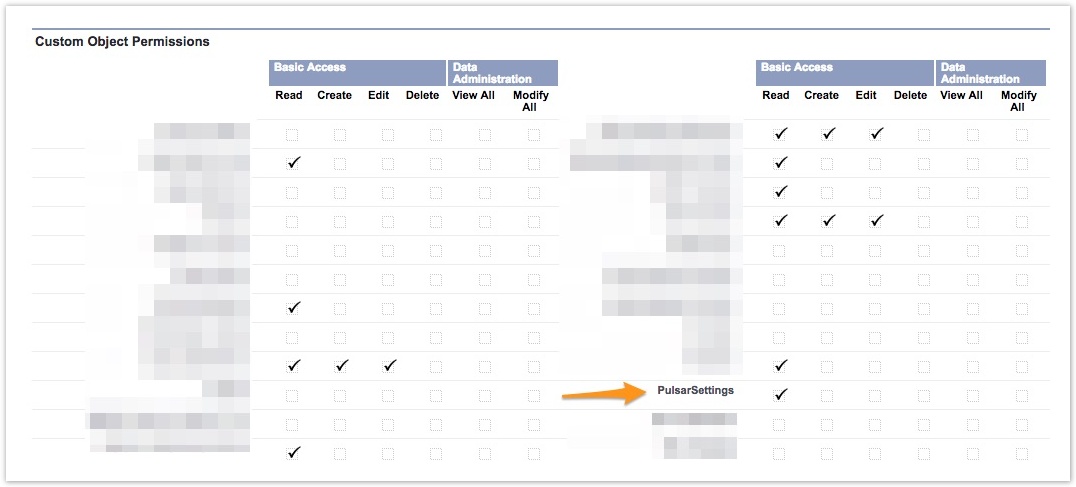
Pulsar Settings Object Access |
|---|
Please validate that user Profile has Read access for PulsarSettings Object. Setup >> Manage Users >> Profiles >> Custom Object Permission |
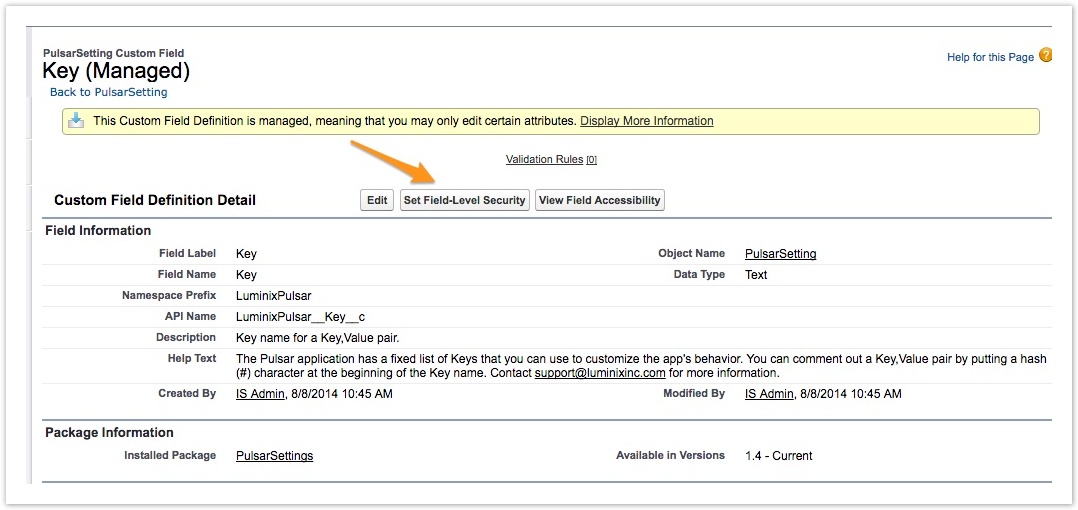
PulsarSetting Field Access |
|---|
Please validate that User Profile has access to Key, Value and Priority fields in PulsarSetting object. Setup >> Build >> Create >> Objects >> PulsarSetting >> Custom Fields & Relationship >> Key >> Set Field-Level Security |
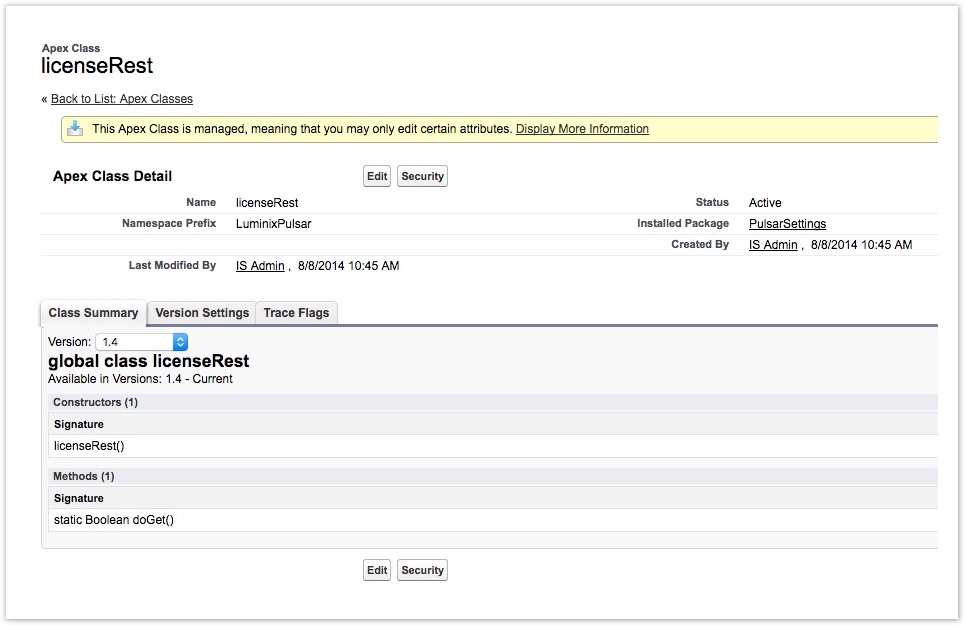
licenseRest Apex Class Access |
|---|
Please Validate that User Profile is enabled for licenseRest Apex Class. This class is part of PulsarSetting managed package. Setup >> Build >> Develop >> Apex Classes >> licenseRest >> Security |